How to Run a Large Language Model Locally
Quick answer: Pick a runtime that supports your operating system, download a compatible quantized model, leave memory headroom, and verify both output quality and network behavior. For a first setup, use Ollama or LM Studio. Use llama.cpp when you want direct GGUF control, or MLX LM when you want an Apple-silicon-native Python path.
Start with a 4-bit model in the 3B–8B range. A successful small deployment teaches you more than downloading a model your machine cannot load.
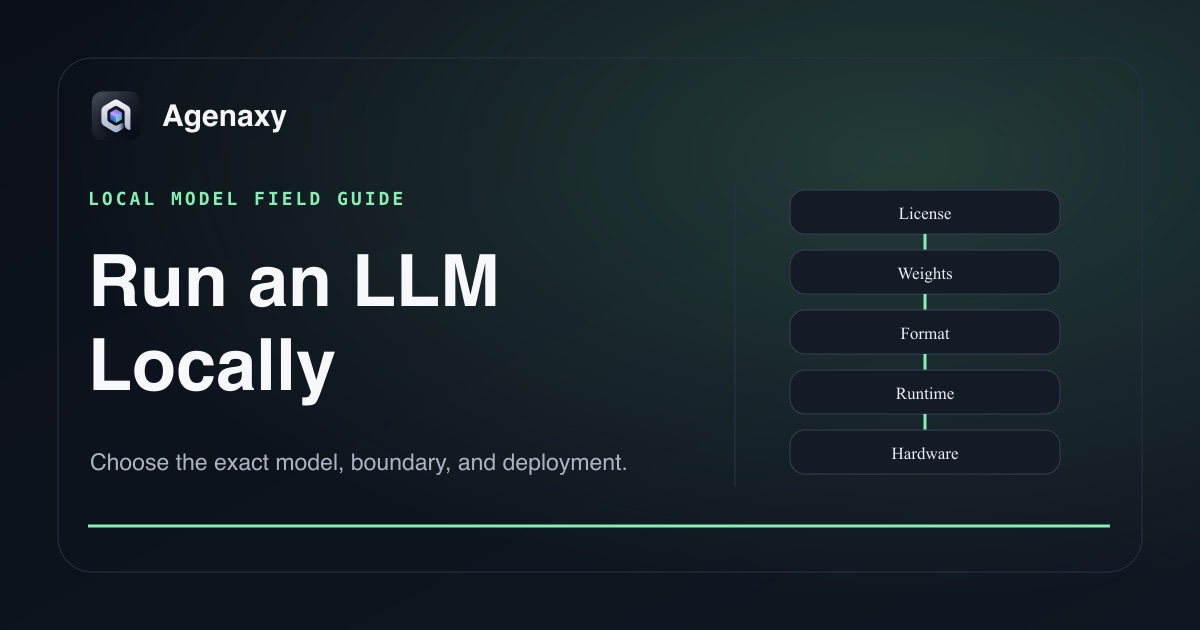
The five-layer compatibility chain
A local model works only when all five layers agree:
- License: the release permits your intended use.
- Model: the architecture and modality fit the task.
- Format: the downloaded artifact matches the runtime—commonly GGUF for llama.cpp-based tools or an MLX conversion for MLX LM.
- Runtime: the installed version supports that architecture, tokenizer, chat template, and quantization.
- Hardware: storage and memory can hold the weights, context cache, runtime, operating system, and other applications.
If a download finishes but loading fails, debug this chain rather than assuming the model is broken.
Choose a runtime
| Runtime | Best first use | Main tradeoff |
|---|---|---|
| Ollama | fastest command-line setup and a local API | curated workflow gives less low-level control |
| LM Studio | desktop discovery, loading, chat, and local server | GUI convenience can hide important load settings |
| llama.cpp | direct GGUF control, broad platform support, repeatable serving | more command-line and format decisions |
| MLX LM | Apple-silicon-native Python inference and quantization | MLX-specific artifacts and macOS focus |
These tools overlap. Do not install all four to begin. Choose one path and get one model working.
Estimate memory before downloading
Quantization reduces weight precision and file size, with a possible quality cost. The official llama.cpp quantization guide gives useful examples: a Llama 3.1 8B Q4_K_M artifact is about 4.9GB, while a 70B Q4_K_M artifact is about 43.1GB.
The model file is not the entire working set. Leave room for:
- the operating system and other applications;
- context and KV cache;
- runtime buffers and multimodal projectors;
- concurrent requests or more than one loaded model.
Do not set the maximum advertised context on day one. Start with a modest context and increase it only when the task requires more.
A simple setup path
Option A: desktop setup with LM Studio
- Install LM Studio and confirm the system requirements.
- Search for a small, instruction-tuned model from the official publisher or a trusted conversion.
- Read the model card and license.
- Download a 4-bit artifact that fits with headroom.
- Load it with a modest context window and send a non-sensitive test prompt.
- If another application needs the model, start the local server and connect to its loopback address.
Option B: command-line setup with Ollama
This is one complete smoke-test path. First install Ollama for your platform. Then run Ollama's 8B DeepSeek-R1 distill tag:
ollama run deepseek-r1:8b
After the model responds, exit the interactive chat and verify the loopback API:
curl http://localhost:11434/api/chat \
  -d '{"model":"deepseek-r1:8b","messages":[{"role":"user","content":"Return exactly: local-model-ok"}],"stream":false}'
Confirm that the JSON response contains local-model-ok. The Ollama DeepSeek-R1 page lists this tag and its current artifact size. Because a tag can move to a newer artifact, also run curl http://localhost:11434/api/tags and record the returned digest or model ID together with the tag, Ollama version, and test date. Do not bind the local API to another network interface for this smoke test.
Option C: GGUF or MLX control
Use llama.cpp for a specific GGUF artifact or MLX LM for an MLX-compatible model on Apple silicon. Follow the official quick start, keep the exact model identifier in your command, and avoid converting weights until a publisher-provided or well-documented artifact proves insufficient. trust_remote_code=True means executing Python code from the model repository, not merely loading inert weights; do not use it with work data until that exact code and revision have been reviewed.
Validate the deployment
“It answered hello” is only a smoke test. Use one representative task and record:
- output acceptance checks and known failure cases;
- time to first token and total completion time;
- memory pressure and whether the system swaps heavily;
- context size and prompt template;
- model identifier, quantization, and runtime version;
- network connections while the model, embeddings, tools, and application run.
For example, ask the model to extract fields from ten public sample documents, cite each source location, and return “not found” rather than inventing values. Re-run the same set after any model or runtime update.
Local does not automatically mean offline
The inference process can be local while the surrounding application uses remote model discovery, telemetry, embeddings, web search, package downloads, or tools. Decide which network paths are acceptable. Downloading a model obviously requires network access; running it afterward may not.
For a minimal offline check, confirm that the selected Ollama model is a local tag rather than a :cloud model. After the download finishes, disconnect from the internet and repeat the loopback local-model-ok request. Passing proves only that inference path for that test; embeddings, tools, update checks, and telemetry need their own checks.
Also secure the local API. A server bound to every network interface is different from one available only on your machine. Do not expose it merely to make an integration easier.
Where Agenaxy fits
Agenaxy keeps the durable work—files, rules, sessions, run evidence, and artifacts—local while the model connection remains replaceable. Standard can use a selected local or cloud model; a cloud model receives the context sent for that task. In Vault, every model Connection must be explicitly authorized by you. An authorized remote server still receives the context sent to it, while outbound-data tools remain unavailable and agent-run scripts are blocked from network access.
Use what AI model your Mac can run to choose a size, or compare open-source and closed-source AI.
Try a local model on real work
Describe a representative, non-confidential workflow in the Download Agenaxy form. Do not submit files, credentials, customer records, or production data.
FAQ
Do I need a GPU to run an LLM locally?
Not always. CPU inference is possible, but a supported GPU or Apple-silicon unified-memory path can improve usability. The model still needs to fit in available memory.
What is the easiest local LLM runtime?
Ollama and LM Studio are usually the shortest first paths. Choose based on whether you prefer a command line or desktop interface, then verify the same data-path and model details.
What quantization should a beginner use?
A well-documented 4-bit artifact is a practical starting point. More aggressive quantization can reduce memory further but may reduce quality or runtime compatibility.
Can a local LLM use my files?
Only through an application or retrieval layer that provides them. The model runtime alone does not create a safe file-permission system.
Sources and Fact-Checking Notes
- LM Studio getting started explains weights, downloading, loading, and local chat.
- LM Studio system requirements documents current platform and memory guidance.
- Ollama model library provides model tags and artifact sizes.
- llama.cpp and its quantization guide document GGUF serving and quantized-size examples.
- MLX LM documents Apple-silicon inference, model loading, and quantization.
- Runtime facts were verified on August 5, 2026.