How to Turn a Repeated Task Into a Reusable AI Workflow
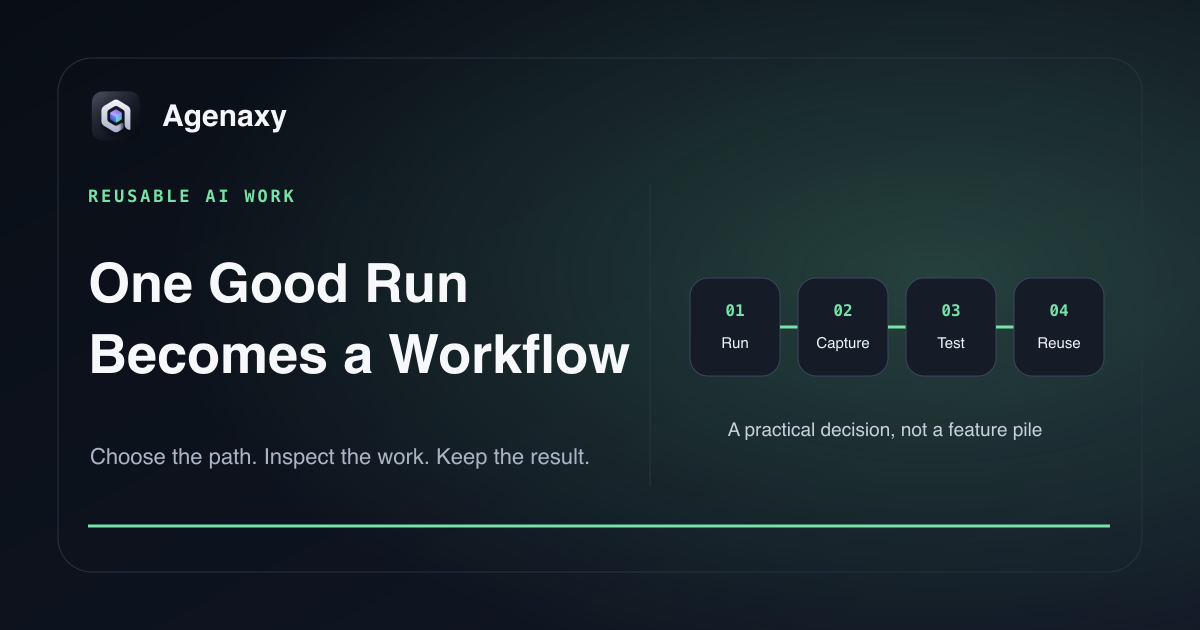
Quick answer: Repeat the task manually with AI until one run succeeds for understood reasons. Then capture the inputs, instructions, tools, checkpoints, output format, and acceptance tests that made it work. Test that package on a second and third example. Only schedule or broaden it after failures become visible and recoverable.
A reusable workflow is not a saved prompt. It is a small operating procedure with a clear result.
Choose a task worth repeating
Good candidates have:
- a recognizable trigger, such as a weekly export arriving;
- similar inputs each time;
- a reviewable output, such as a brief, table, or draft;
- a person who owns the final decision;
- enough frequency to repay setup and review time.
Examples include turning meeting notes into a status update, checking a monthly CSV for exceptions, comparing a new policy with the previous version, or drafting product descriptions from approved source fields.
Avoid starting with an irreversible external action. First automate preparation, not sending, deleting, publishing, purchasing, or approving.
Capture a successful run
After a good run, record what actually happened:
| Element | Example |
|---|---|
| Trigger | Friday project export is ready |
| Inputs | tasks.csv, last status report, project glossary |
| Preconditions | Required columns exist; dates parse |
| Steps | Profile, group, flag changes, draft summary |
| Checkpoint | Human reviews exceptions and draft |
| Artifact | weekly-status.md and exceptions.csv |
| Acceptance | Totals reconcile; every blocker has an owner |
| Failure output | needs-review.md with the reason |
Do not hide an important manual correction. If you fixed a wrong category or supplied a missing definition, add that rule to the workflow or keep the checkpoint.
Convert the run into a work order
Name:
Weekly project status from the selected export.

Inputs:
tasks.csv, prior-status.md, glossary.md.

Preflight:
Confirm required columns, reporting dates, row count, and unique task IDs.
Stop and create needs-review.md if an input is missing or malformed.

Steps:
Summarize completed work, open blockers, due-date changes, and new risks.
Do not update source files or contact anyone.

Artifacts:
weekly-status.md and exceptions.csv.

Done:
All included task IDs are traceable to tasks.csv.
Counts reconcile. Every stated blocker has an owner or is marked Unassigned.
The work order should say when to stop, not only what success looks like.
Separate constants from variables
Keep stable rules in the workflow:
- what counts as overdue;
- required columns;
- output headings;
- approved source folders;
- checks that always run.
Pass changing values as inputs:
- this week's date range;
- current export filename;
- project name;
- optional focus question.
This makes updates easier and prevents someone from editing the core instructions every week.
Add checkpoints where judgment matters
Use a checkpoint when the next step would:
- send or publish something;
- overwrite a source;
- act on ambiguous data;
- make a legal, financial, HR, or customer decision;
- rely on a low-confidence match.
The checkpoint should present the proposed artifact and exceptions, not merely ask “continue?” A reviewer needs enough information to decide.
Test three different cases
Run the workflow on:
- a normal example;
- an example with missing or malformed input;
- an edge case that previously required manual judgment.
Compare outputs against the acceptance tests. If the workflow silently produces a polished answer for bad input, it is not ready to reuse.
Version the workflow and its output
Give the workflow a name and simple version:
weekly-project-status v1.2
Changed: overdue rule now uses business due date, not export date.
Tested: normal export, missing owner, duplicate task ID.
Keep the workflow version in each artifact. When results change, you can distinguish changed inputs from changed instructions.
Know when not to add automation
Keep the task manual when it happens rarely, every case is different, the review takes longer than the work, or a deterministic spreadsheet/formula already solves it. Reuse does not require scheduling; a named workflow you start on demand can be the right level.
Where Agenaxy fits
Agenaxy combines selected files, instructions, Activity, and editable Artifacts in a local workspace. Keep the work order, acceptance checks, and artifacts together so the task can be run again as a reusable workflow, without requiring the user to assemble a coding-agent harness first.
Standard can use a selected local or cloud model. A remote model receives the context sent to it. In Vault, every model Connection must be explicitly authorized; tools and scripts stay within approved files and folders, and agent-run scripts are blocked from network access.
Start with what work you should automate with AI and use the first-workflow test before relying on it.
Try one repeatable task
Describe a non-confidential repeated task, its inputs, and the result you review in Download Agenaxy. Do not submit real files, credentials, customer records, or production data through the form.
FAQ
Is a reusable AI workflow the same as a saved prompt?
No. A saved prompt is one component. A workflow also defines inputs, preflight checks, artifacts, acceptance criteria, failure handling, and review ownership.
Do I need to schedule it?
No. Run-on-demand workflows are often easier to inspect and safer to improve. Schedule only when the trigger and failure path are reliable.
How many successful tests are enough?
There is no universal number. Start with at least a normal case, a malformed-input case, and a known edge case, then expand tests when real failures appear.
Sources and Fact-Checking Notes
- Zapier — Best practices for working with Agents similarly recommends detailed instructions, limited scope, strategic sources, and testing; this article does not imply Zapier and Agenaxy share an execution model.
- How to test your first AI agent workflow supplies the related preflight, single-run, and comparison method.
- The workflow template is editorial guidance rather than a claim of automatic reliability.
- Agenaxy product statements are checked against
agenaxy/apps/site/public/llms-full.txtand ADR-066.