Why Not Just Use OpenRouter?
On this page
If all you need is access to many models through one API, you probably should just use OpenRouter. At its routing and API layer, it offers unified model access, provider routing, automatic fallbacks, common tool interfaces, and free model variants.
The workbench becomes useful when one model request turns into continuing work. Agenaxy keeps the chat workspace, files, instructions, Activity, permissions, and editable results available after the response.
OpenRouter already solves model access well
OpenRouter's clearest value is access. Its support documentation describes a unified API for major models, consolidated billing and usage analytics, provider-level routing, and automatic fallbacks. Its :free variants also make it practical to try models before committing to paid inference. If your immediate question is “Which model should handle this request?”, that is exactly the layer OpenRouter is built to address. OpenRouter support
Fallbacks make that layer more resilient. You can provide model IDs in priority order, and OpenRouter will try the next one when the primary model is unavailable, rate-limited, or returns certain other errors. The response is billed according to the model that ultimately handled it. OpenRouter model fallbacks
OpenRouter also offers more than routing. Its server-side openrouter:web_search and openrouter:web_fetch tools give tool-capable models a consistent interface across providers. A model can decide whether to search, how many searches to run within configured limits, and which pages to fetch. OpenRouter agentic web tools
So the case for Agenaxy cannot be that OpenRouter is a thin gateway with no tools. That would be inaccurate.
A model route and a workbench preserve different things
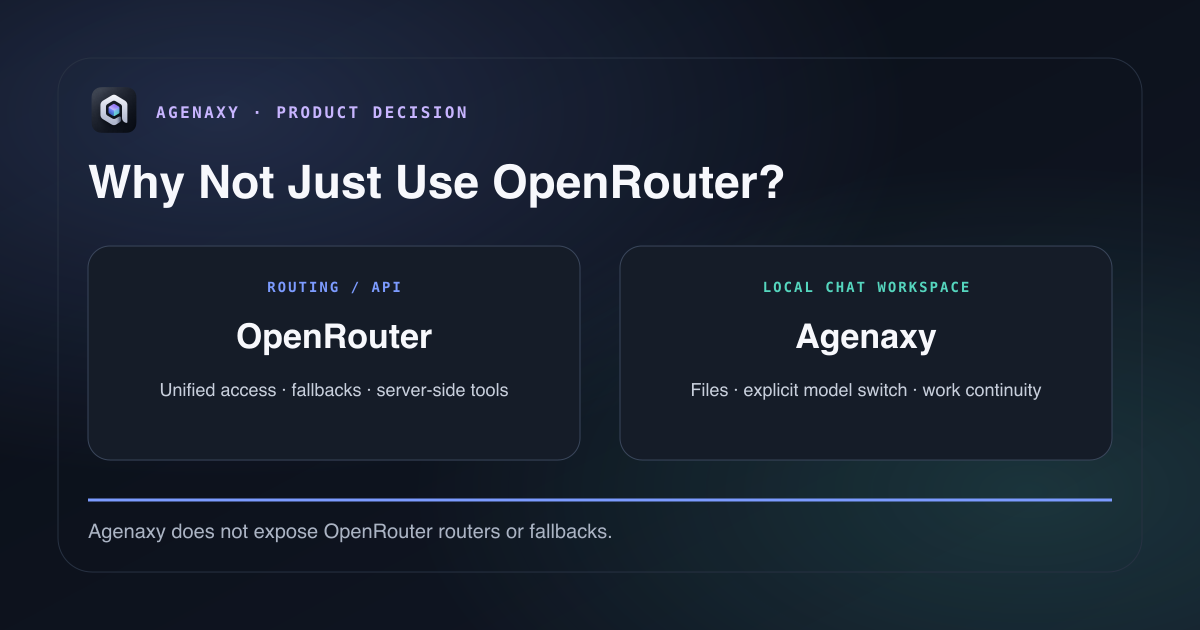
A router decides which model should handle a request. A workbench decides where the work continues.
OpenRouter's documented strengths center on the path from a request to a model and provider: model selection, routing, fallback, tools, response, billing, and policy controls. Agenaxy centers the user-facing work inside a local chat workspace: attached source files, task instructions, editable outputs, history, Activity, approvals, and data boundaries.
That distinction does not mean OpenRouter lacks a chat experience or local conversation storage. OpenRouter says its Chatroom conversations are stored on the local device and do not automatically sync across devices. OpenRouter support This article compares OpenRouter's routing and API role with Agenaxy's local chat workspace; it is not a catalog of every OpenRouter product surface.
What happens when today's free model is wrong for tomorrow?
Consider an illustrative set of files attached to one chat:
Chat workspace
├── competitor-notes.md
├── interview-notes.txt
├── market.csv
└── launch-brief.md
On Monday, you use a free model to turn those materials into a first-pass launch brief. On Wednesday, that model is rate-limited, no longer the right choice, or simply performs poorly on the next step.
At the routing layer, OpenRouter can send the next request to another model. It may even do so automatically through a configured fallback. That preserves access to inference.
Inside Agenaxy, you explicitly select another model for the same chat. That model still needs the same attached files, the current editable draft, the task instructions, the scope you approved, and a record of what has already happened. Those parts remain in the same chat workspace.
OpenRouter provides model continuity. Agenaxy provides work continuity.
The tools operate at different boundaries
OpenRouter's web tools extend what a model can do during an OpenRouter API or Chatroom request. Search and fetch can be exposed through one consistent schema even when the selected model changes. For an API developer, that removes provider-specific integration work.
In Agenaxy, an OpenRouter connection calls one concrete model you select, including concrete :free variants. It does not expose OpenRouter's cross-model routers, fallback configuration, upstream routing settings, or server-side web tools. Agenaxy supplies its own workspace tools and controls: which local files the agent may read or change, what action needs approval, what result remains visible, and what context may leave the machine for the selected model connection.
OpenRouter can supply the selected model connection beneath the workbench; Agenaxy supplies the workspace tools and controls.
Privacy also has layers
OpenRouter says prompt and response retention is opt-in on its own service. It stores request metadata such as token counts and latency, while the eventual provider may have a separate logging or training policy. Users can apply routing preferences intended to match those policies. OpenRouter data collection
Agenaxy addresses an earlier decision: what context is allowed to leave the local workbench at all. In Standard, a task can use ordinary agent permissions and either local or remote models. In Vault, the user selects a trusted model connection and the operating-system sandbox blocks other network routes. Agenaxy
When Agenaxy uses an OpenRouter connection, the layers can be read in order:
Agenaxy workbench
What task context may leave?
        ↓
Selected OpenRouter model connection
Which remote route receives the request?
        ↓
Model provider
What happens to the submitted data there?
Using OpenRouter does not remove the need to decide what to send. Using Agenaxy does not remove the need to inspect the policy of a remote model route.
When to use OpenRouter, Agenaxy, both, or neither
Use OpenRouter alone when you mainly want to:
- compare model responses;
- make temporary chat requests;
- build your own application against one API;
- manage the surrounding files and execution system yourself; or
- use routing and fallback without a persistent local workbench.
Use Agenaxy without OpenRouter when you want the workbench but prefer a direct provider or local model connection.
Use them together when the AI work revolves around a continuing set of local files and you want one concrete OpenRouter model to handle the current pass.
Use neither when one provider's chat or API already fits a temporary task and you need neither routing nor a persistent local workspace.
To test the combination, attach two or three non-confidential text or CSV files to a new chat. Ask one model to produce an editable deliverable, explicitly switch models, then ask the second model to improve the same file against the same acceptance criteria.
Sources and fact-checking notes
External product facts were checked on September 4, 2026. OpenRouter features and policies can change; review the linked documentation before making a production or data-governance decision.