What Is an AI Context Window—and Why Do Long Documents Get Missed?
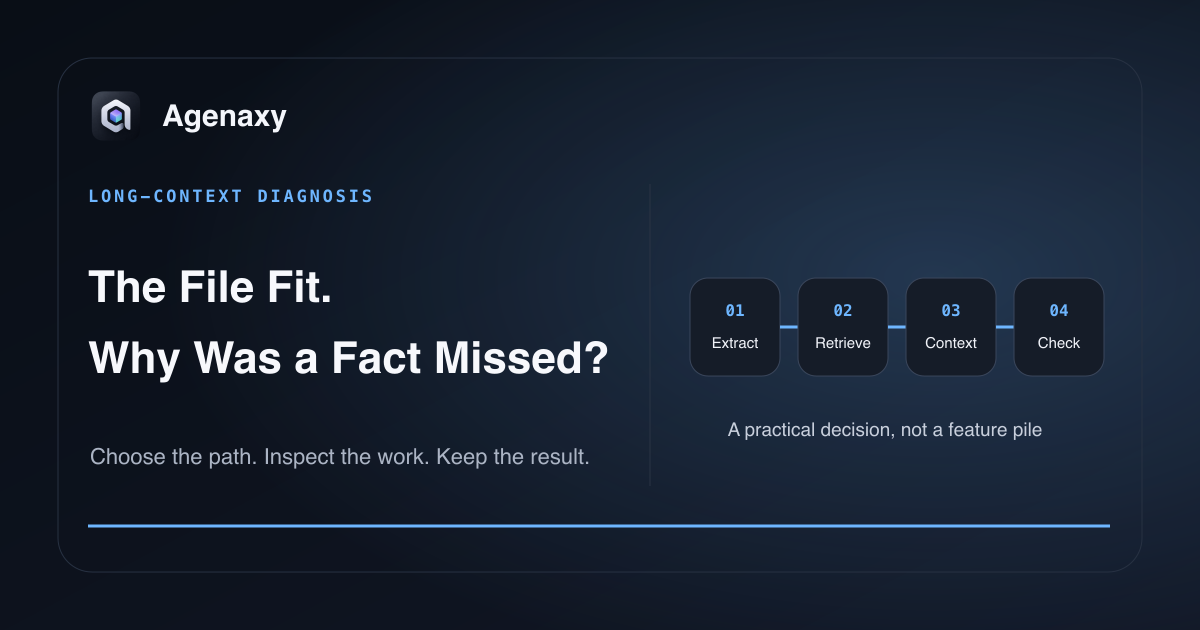
Quick answer: A context window is the amount of input and generated text a model can consider in one call. Fitting inside the advertised limit does not guarantee that every fact will influence the answer. A detail may be absent from the supplied context, poorly extracted, not retrieved, overlooked, or unsupported by the model's reasoning.
Think of context as the material placed on a desk for one piece of work. A larger desk holds more pages. It does not ensure the right page is present, readable, or noticed.
Four ideas that are easy to mix up
| Term | Plain-English meaning | Typical failure |
|---|---|---|
| Context capacity | Maximum material available to one model call | The input is cut, shortened, or cannot fit |
| Extraction | Turning files into usable text and structure | Scans, tables, or columns are read incorrectly |
| Retrieval | Selecting relevant passages from a larger collection | The right passage is never placed in context |
| Attention and reasoning | Using the supplied evidence to answer | Evidence is present but underused or misinterpreted |
When a model misses a contract date, “the context window was too small” is only one possible diagnosis.
Context includes more than your document
The limit may include:
- system and application instructions;
- conversation history;
- retrieved passages;
- tool descriptions and results;
- your current request;
- the model's generated answer.
The exact accounting depends on the model and application. A document that appears smaller than the advertised window can still compete with other material.
Why long-document answers go wrong
The fact never entered context
The file was not selected, the page could not be parsed, the application truncated the content, or retrieval chose other passages. Check source coverage before prompt wording.
The structure was lost
Tables, footnotes, and multi-column pages can become a confusing text stream. The fact may technically be present while its row, unit, or qualifier is detached.
Retrieval chose the wrong evidence
A knowledge base normally selects a subset rather than sending every source. Vague wording, poor document titles, duplicated versions, or weak indexing can return plausible but irrelevant passages.
The model underused available evidence
Earlier long-context research documented positional attention problems sometimes described as “lost in the middle.” But do not turn that into a universal rule. Google Research's newer retrieval study reported that simple factoid retrieval behavior changed materially in Gemini 2.5 Flash testing. Current models and tasks differ.
The honest conclusion is narrower: advertised capacity is not the same as guaranteed use of every detail.
A practical diagnosis
When a fact is missed:
- Ask for the exact supporting filename and page.
- Confirm that the source can be read outside the AI tool.
- Test the relevant page alone.
- Test the whole document with a precise field request.
- If using retrieval, inspect or request the passages selected.
- Reduce unrelated chat history and sources.
- Compare a second suitable model without changing the task.
This sequence tells you whether the problem is extraction, selection, capacity, or model behavior.
Give long work a source map
Before synthesis, request an inventory:
List every selected file.
For each file, record title, date, page count, and one-sentence purpose.
Mark unreadable or duplicate files.
Do not write the final report yet.
Then request a fact table with source anchors. Finally, ask for the narrative artifact based on that table. Breaking the work into inspectable stages can be more reliable than sending more text to one prompt.
Bigger is not always better
A larger context may increase latency and memory use. More material can also add outdated versions and irrelevant detail. Anthropic's context-engineering guidance treats context as a finite resource to curate, not a container to fill indiscriminately.
Use the smallest relevant source set that still represents the decision. For a folder workflow, see how to use AI with a folder of files. For many PDFs, see how to summarize them with sources.
Where Agenaxy fits
Agenaxy organizes a file assignment around selected sources, a model Connection, visible Activity, and an Artifact. That makes it possible to separate “the answer was wrong” from “the file or evidence never made it into the work.”
The chosen model still has its own context and quality limits. A local model can keep inference on the Mac; an authorized remote model receives the context sent to it.
Try a source-checked long-document task
Describe a non-confidential long-document task and its required source anchors in Download Agenaxy. Do not submit the files through the form.
FAQ
Is a context window the same as memory?
No. Context is the material available to one model call. Product memory is a mechanism that stores or retrieves information across interactions. See what AI agent memory is for the persistence distinction.
If a PDF fits, will the model read every word?
It may receive the extracted text, but correct use of every detail is not guaranteed. Verify source coverage and material claims.
Should I split every long document?
No. Split or retrieve when it improves source selection and verification. Arbitrary chunks can also separate headings, tables, and qualifiers.
Sources and Fact-Checking Notes
- Anthropic — Effective context engineering for AI agents describes context as a finite resource that includes more than the user's latest message.
- Google Research — Found in the middle examines positional attention bias in long-context use.
- Google Research — Retrieval Quality at Context Limit reports newer model-specific retrieval results, illustrating why older positional findings should not be generalized to every current model and task.