How to Summarize Multiple PDFs With Sources You Can Check
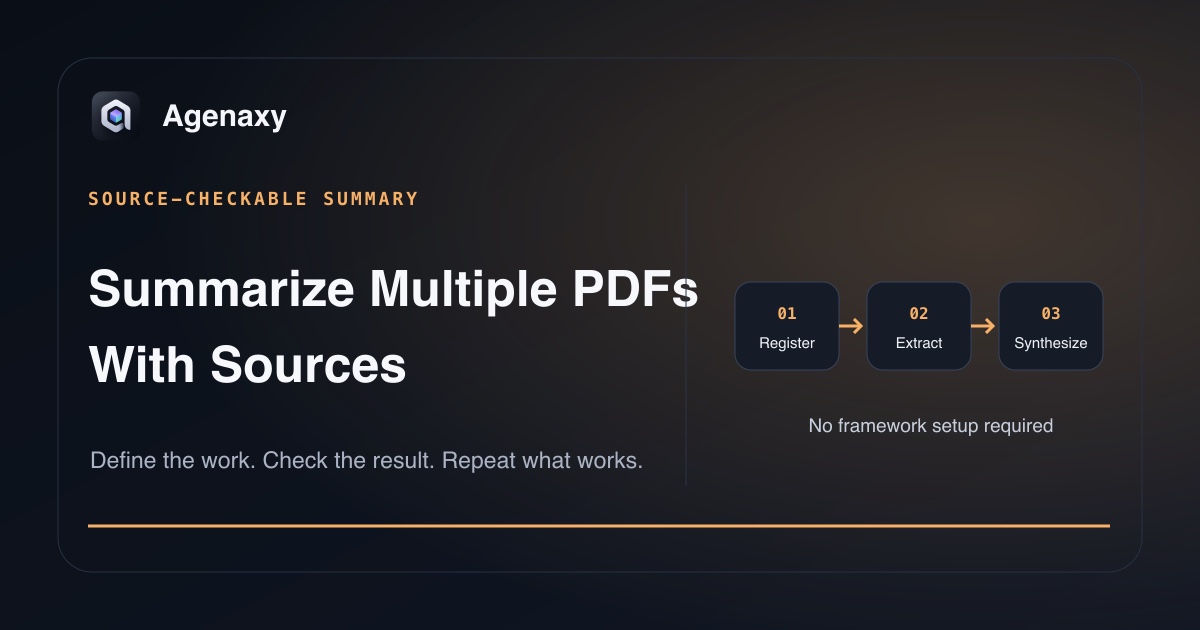
Quick answer: Make a source list (register) first. Give each file a processing status, extract a short note from every processed PDF, then synthesize only from those notes. For every important claim, keep the filename and a source location you can reopen. Finally, check file coverage and claim accuracy as two separate things.
A fluent summary can still be incomplete. One PDF may be an image scan, another may use conflicting terminology, and a third may be missing from the answer without any warning.
Define what “multiple PDFs” means
Before asking for a summary, record the intended set:
| Field | Example |
|---|---|
| Collection | Five quarterly market reports |
| Snapshot date | 2026-08-05 |
| Intended files | Exact filenames or count plus inventory |
| Time range | Q1 2025 through Q1 2026 |
| Priority questions | Demand, pricing, risks, disagreements |
| Exclusions removed | Drafts, duplicates, unrelated or sensitive files |
| Output | cross-document-summary.md |
Work from copies when originals matter. Move unrelated sensitive files out of the working set rather than asking the system to ignore them after access is granted.
Check whether every PDF is readable
PDF is a container, not a guarantee of usable text. A file may contain:
- normal embedded text;
- page images from a scanner;
- mixed text and images;
- tables whose reading order is unclear;
- protected or damaged content;
- printed page numbers that differ from viewer page numbers.
Open a few pages and try selecting text. If the file needs optical character recognition, record that step and treat the extracted text as another item to verify. Adobe's OCR correction guidance shows that recognized text can contain uncertain words that need review against the page image.
Create a source register
Ask for a companion file such as source-register.csv:
| File | Processing status | Date | Pages | Verification note |
|---|---|---|---|---|
report-q1.pdf |
Processed | 2026 Q1 | 42 | Embedded text |
report-q2-scan.pdf |
Processed | 2026 Q2 | 31 | OCR used; uncertain words need review |
report-q2-draft.pdf |
Duplicate | 2026 Q2 | 29 | Final version used instead |
appendix.pdf |
Unreadable | — | 12 | Extraction failed |
The register makes inclusion status visible. It does not prove that the system understood a table or interpreted a paragraph correctly.
Summarize each PDF before combining them
For each readable file, extract the same fields:
Source file:
Document date:
Purpose:
Three key findings:
Important numbers:
Risks or limitations:
Definitions and time basis:
Evidence locations:
Unreadable or uncertain material:
Every file marked Processed should have one of these notes. This layer reduces the chance that one long document silently dominates the final answer and makes that problem easier to detect. It also gives you a smaller unit to inspect when the combined summary looks wrong.
Synthesize across files without erasing disagreement
Compare the per-file notes, then make the combined artifact separate:
- Shared findings — supported by more than one source;
- Source-specific findings — important but stated by only one document;
- Disagreements — sources make conflicting claims or use incompatible definitions;
- Time changes — later documents revise or supersede earlier ones;
- Open questions — evidence is missing, unreadable, or inconclusive.
Do not ask the model to “resolve” a disagreement unless your task includes a defensible rule for doing so. Often the correct output is to show both positions.
Use source locations you can reopen
For each important claim, require:
- exact filename;
- printed page, viewer page, section heading, or table name;
- a short supporting passage when appropriate;
- an uncertainty marker when the location is ambiguous.
Example:
Demand softened in the enterprise segment.
Source: report-q1.pdf, viewer p. 18, “Enterprise demand”
Evidence: [short supporting passage]
Label the page system. Adobe's page-label guidance notes that thumbnail or navigation numbers may not match the numbers printed on the document.
A complete work order
Outcome:
Create cross-document-summary.md and source-register.csv.

Sources:
Use only the selected PDF copies. List every intended file and its status.

Process:
1. Check text readability.
2. Write the same structured note for each readable PDF.
3. Synthesize shared findings, unique findings, disagreements, and open questions.

Evidence:
Attach filename plus labeled page or section to every important claim.
Use short quotes only when they improve verification. Do not invent a location.

Boundaries:
Do not edit originals, silently omit failures, or send results externally.

Done:
Every intended file has a status, every important claim has a reopenable source,
and uncertain or conflicting material remains visible.
Verify coverage and meaning separately
Coverage check
- Does every intended PDF appear in the source register?
- Are duplicate, unreadable, and OCR-processed files visible?
- Does every processed source appear in the combined result, or explicitly say that it had no relevant finding?
Content check
- Open several cited locations and confirm they support the claim.
- Verify names, dates, units, percentages, and comparison bases.
- Choose one source you expect to matter and confirm its nuance remains.
- Inspect at least one stated disagreement against both documents.
A citation can be well formatted and still point to weak or contradictory evidence. Verification means opening the source, not merely seeing a reference.
Know when the collection is too large
Do not measure only by file count. Ten short text PDFs may be easier than one scanned report full of complex tables.
Split the job when:
- the source register is too large to review;
- intermediate notes no longer fit in one reliable synthesis pass;
- file groups have unrelated questions or vocabularies;
- one format needs a separate extraction method;
- the final artifact becomes too broad to verify.
Process coherent batches, then synthesize their checked notes. Preserve the source path through every layer.
Data access is separate from citation quality
A source-linked answer can still use a remote model. A local model can still receive text extracted by tools or services with separate behavior. Check model selection, application permissions, OCR path, usage or diagnostic data, and enabled tools.
Use non-confidential material for a first test. Grant access only to the intended working copies.
Where Agenaxy fits
Agenaxy is a local-first AI agent workbench for selected file-based work. Activity exposes the work performed, while editable Artifacts provide a normal home for the source register and summary.
Standard can use a selected local or cloud model; a cloud model receives the context sent for that task. In Vault, every model Connection must be explicitly authorized. An authorized remote server still receives the context sent to it, while outbound-data tools remain unavailable and agent-run scripts are blocked from network access.
Start with AI and a folder of files to prepare the source set, or compare document chat and agent work before choosing the workflow.
Define one checkable summary
Describe a non-confidential PDF collection and desired summary in Download Agenaxy. Do not submit PDFs, credentials, customer records, or production data through the form.
FAQ
Can AI summarize several PDFs at once?
Yes, when the product supports the files and the working set fits its limits. Still require a source register so missing, unreadable, and duplicate items remain visible.
Are AI-generated citations reliable?
They are useful navigation aids, not proof. Open a sample of cited locations and confirm that the evidence supports the wording and numbers.
What should I do with scanned PDFs?
Use a suitable OCR path, record that OCR was used, and verify difficult pages, tables, names, and numbers against the page image.
Should I combine the PDF text into one large file first?
Usually not. Keeping source identities through per-file notes makes omissions, conflicts, and citations easier to inspect.
Sources and Fact-Checking Notes
- Adobe — Get AI-generated answers documents supported AI Assistant answers and citations for document workflows.
- Google — Learn about NotebookLM documents NotebookLM source-grounded behavior.
- Google — Use chat in Gemini Notebook documents inline source citations and navigation to quoted locations.
- Adobe — Fix text issues in scanned PDFs documents review and correction of uncertain OCR text.
- Adobe — Renumber pages in PDFs documents the difference between navigation/page labels and printed page numbers.
- Agenaxy product statements are checked against
agenaxy/apps/site/public/llms-full.txtand ADR-066.