How to Turn Research Notes Into a Source-Linked Report
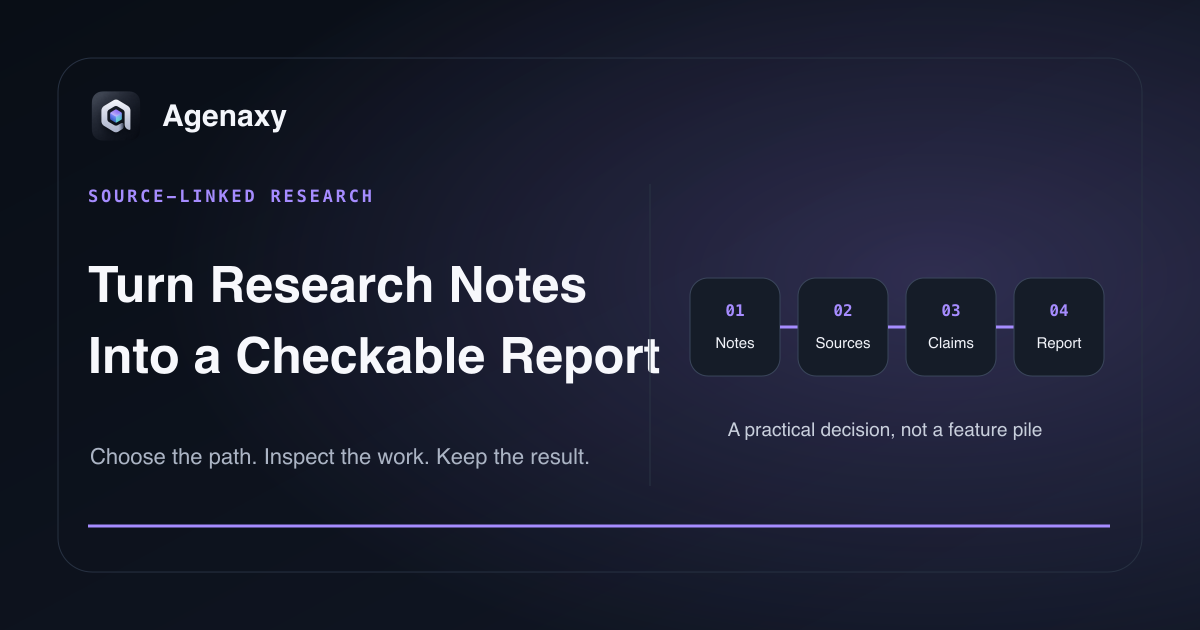
Quick answer: Inventory the notes and sources first, give each source a stable ID, and extract claims before drafting prose. Each important sentence in the report should point to a source location or be labeled as analysis, a recommendation, or an open question. Draft from that claim register, then run a coverage check for unsupported claims and unused high-value evidence.
This workflow prevents a polished narrative from hiding where facts came from.
Define the decision and reader
“Write a report from these notes” is too open. Record:
- who will use the report;
- what decision it should support;
- the time period and geography;
- which sources are authoritative for which facts;
- the expected length and format;
- what the report must not conclude.
For example: “Create a five-page vendor landscape for the product team. Compare current official product capabilities as of August 6, 2026. Separate vendor claims from our assessment. Do not recommend a purchase.”
Build a source register before writing
Assign a stable ID to every input:
Illustrative example: Vendor A, the dates, and the interview references below are fictional placeholders that demonstrate the register structure.
| Source ID | Title | Publisher | Date | Type | Location | Use |
|---|---|---|---|---|---|---|
| S-01 | Product documentation | Vendor A | 2026-07-18 | Primary | URL | Current feature facts |
| S-02 | Interview notes | Internal | 2026-08-02 | First-party note | File | User pain points |
| S-03 | Market summary | Analyst | 2026-06-10 | Secondary | PDF p. 14 | Market context |
Keep the original URL, filename, page, section, or paragraph anchor. A link to a 90-page PDF without a page reference is not yet a useful citation.
Also record limitations: undated page, marketing claim, incomplete transcript, paywalled excerpt, machine translation, or note whose speaker is unknown.
Convert notes into a claim register
Do not ask the agent to jump straight to a flowing report. First create rows:
| Claim ID | Proposed claim | Source and anchor | Evidence type | Status | Notes |
|---|---|---|---|---|---|
| C-01 | Vendor A supports local file import | S-01, “Files” section | Vendor documentation | Verified | Capability, not quality |
| C-02 | Users value reviewable exports | S-02, participant 4 | Interview evidence | Bounded | One interview theme |
| C-03 | Vendor A is easiest to use | — | Assessment | Unsupported | Needs test or removal |
Useful status labels are Verified, Contradicted, Unclear, Analysis, and Remove. Do not use “verified” when two blogs repeat the same unsourced statement.
Separate four kinds of writing
The report should make these categories visible:
- Source fact: what a document, dataset, or person says.
- Synthesis: how multiple supported facts relate.
- Assessment: your evaluation under stated criteria.
- Recommendation: a choice based on evidence, constraints, and judgment.
The first can be cited directly. The others need reasoning and often more than one source. A recommendation should not masquerade as something “the research proves.”
Give the agent a report work order
Outcome:
Create vendor-landscape.md for a product planning discussion.

Sources:
Use only items in source-register.csv. Cite source ID plus page, section,
or URL anchor for every external factual claim. Do not invent missing dates.

Structure:
Executive summary, comparison criteria, findings, uncertainties,
decision options, and source register.

Labels:
Separate Source fact, Analysis, and Recommendation.

Done:
Every material claim maps to claim-register.csv.
Every quote is checked against the original.
Unsupported claims are removed or marked Needs evidence.
Draft from claims, not from memory
Draft one section at a time from approved claim IDs. Keep citations attached while sentences move. If an agent merges several notes, require it to preserve the source for each component rather than placing one citation at the end of a paragraph that supports only the last sentence.
Prefer paraphrase over long quotation. Preserve exact language only when the wording itself matters, and verify it against the source.
Run a two-way coverage check
Report to evidence
For every number, date, feature, quotation, and attribution, locate the supporting row and source anchor. Remove or label anything unsupported.
Evidence to report
Review the source register for high-value evidence that never appears. Omission can distort a report even when every included sentence is supported. Record why contradictory or out-of-scope evidence was excluded.
Check freshness and independence
Product capabilities, pricing, model names, and policies change. Add an as of date and re-open volatile sources before publication. Treat vendor pages as primary evidence of what the vendor currently claims, not independent proof of performance.
Two articles repeating the same press release are not two independent confirmations. When independence matters, trace both back to their underlying source.
Keep useful artifacts together
A complete research folder might contain:
sources/
source-register.csv
claim-register.csv
outline.md
report.md
open-questions.md
That is more reusable than a final PDF alone. When facts change, you can update the affected rows and sections instead of restarting the research.
Where Agenaxy fits
Agenaxy keeps selected files, instructions, Activity, and editable Artifacts in a local workspace. That makes the source register, claim register, and report visible as separate outputs rather than hiding the whole process in one chat transcript.
Standard can use a selected local or cloud model. A remote model receives the context sent to it. In Vault, every model Connection must be explicitly authorized, while tools and scripts remain within approved files and folders and agent-run scripts have no network access.
If your sources are mostly PDFs, start with how to summarize multiple PDFs with sources. For a repeatable brief, continue with how to write instructions an AI agent can follow.
Try a source-linked report
Describe a non-confidential research question, source types, and desired artifact in Download Agenaxy. Do not submit sources, customer data, credentials, or confidential notes through the form.
FAQ
Can AI add citations automatically?
It can format and attach citations when source locations are available. You still need to verify that each citation supports the exact sentence and that the linked source is the intended version.
What if my notes have no source links?
Label them as unverified notes, recover the original source when possible, and do not present them as confirmed facts.
Should the final report include the claim register?
The audience may only need the report, but keep the register as a review artifact. Include it as an appendix when traceability matters.
Sources and Fact-Checking Notes
- W3C — Web Annotation Data Model provides a standard model for connecting an annotation body to a specific target; this article uses the simpler editorial pattern of source IDs and anchors.
- How to summarize multiple PDFs with sources provides the related document-register and page-level verification method.
- The claim-register workflow is Agenaxy editorial guidance, not a guarantee that generated citations are correct.
- Agenaxy product statements are checked against
agenaxy/apps/site/public/llms-full.txtand ADR-066.