Can You Switch AI Models Without Rebuilding Your Workflow?
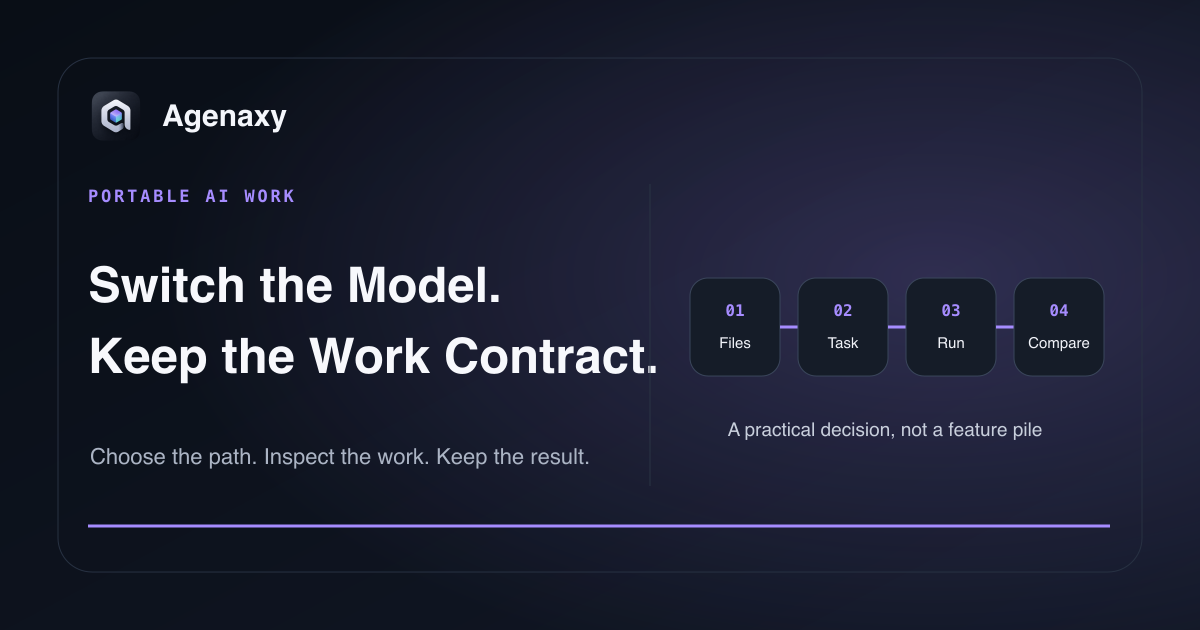
Quick answer: Yes—if the workflow keeps its files, instructions, tool contracts, output schema, and review checks outside the model. You still need to retest because models differ in instruction-following, context, tool use, output format, and quality. A portable workflow preserves the work structure; it does not promise identical output.
Many AI products bundle three layers together:
- the model that generates or plans;
- the application that stores context and exposes tools;
- the workflow that defines inputs, rules, and outputs.
Changing the first layer is easiest when the other two are not hidden inside one vendor-specific chat history.
What should remain portable
| Workflow asset | Portable form |
|---|---|
| Source material | Original files or a versioned copied folder |
| Instructions | Plain-text task card with explicit rules |
| Tool expectations | Named actions and input/output contracts |
| Output | Markdown headings, CSV columns, JSON schema, or file template |
| Acceptance checks | Counted facts, source coverage, format, and boundary checks |
| Run record | Model, settings, tools, failures, and review result |
These assets let you recreate the assignment without relying on the memory of one conversation.
What may not transfer cleanly
- provider-specific assistants, actions, or hosted tools;
- system instructions the product does not expose;
- proprietary memory and retrieval behavior;
- model-specific prompt syntax;
- structured-output or tool-call formats;
- context limits and file support;
- safety or policy behavior;
- latency, price, and rate limits.
Local runtimes can provide common interfaces. Ollama documents a local API for running and interacting with models. LM Studio documents a local server with REST and OpenAI-compatible endpoints. A common interface reduces connection work, but the models behind it still behave differently.
Run a controlled model swap
1. Freeze the assignment
Copy the source folder. Save the instruction and expected artifact. Record the model and tools that produced the current accepted result.
2. Define the acceptance checks
For a research brief, checks might be:
- every source represented;
- every material claim linked to a source;
- contradictions kept separate;
- required sections present;
- no source files changed.
3. Change only the model path
Do not rewrite the prompt, add files, and change tools at the same time. Create a parallel run or Chat with the new model Connection, and reuse the same copied sources, task card, schema, tools, and checks. Do not assume a product can mutate the model behind an existing run.
4. Compare the artifact and trajectory
Measure source coverage, factual problems, output shape, tool failures, duration, memory, and correction time.
5. Adapt only where needed
If the new model passes except for one formatting issue, add a clearer schema. If it repeatedly misses the task's central reasoning, choose another model rather than wrapping it in pages of compensating instructions.
Avoid false portability
A workflow is not portable merely because you copied the prompt. If the original product silently supplied a search tool, memory, file parser, or system instruction, the same text can produce a different job elsewhere.
Write down the full work contract:
Inputs: selected research files
Model: replaceable Connection
Tools: file reader only
Output: decision-brief.md
Required evidence: filename + section for every conclusion
Stop rule: conflicting source dates
Pass check: all sources represented; originals unchanged
That contract is more valuable than a collection of model-specific prompt tricks.
When staying with one model is reasonable
Portability has a cost. A single managed model may be the right choice when its unique tool, ecosystem, or quality advantage is central and switching has little business value. The goal is not permanent model rotation. The goal is knowing which part of the workflow you are choosing to bind.
For a practical selection method, read how to choose an AI model without benchmarks. For local runtime choices, see Ollama vs LM Studio.
Where Agenaxy fits
Agenaxy supports replaceable model Connections at the workbench level, but comparisons use separate Chats. Reuse the same external source set and task card, select a Connection when each Chat is created, and compare the resulting Activity and Artifacts side by side. A Chat's Connection does not change after creation, and its run state does not migrate to the new Chat.
In Vault, each specific Connection must be explicitly authorized; an unavailable or revoked Connection does not trigger a silent fallback to another service.
Try a model-portable task
Describe one non-confidential workflow you want to preserve across models in Download Agenaxy. Do not submit the source files or credentials through the form.
FAQ
Will two models produce the same answer from the same prompt?
No guarantee. Portability preserves the work contract and lets you compare; it does not make models interchangeable in quality or behavior.
Does an OpenAI-compatible API make models equivalent?
It can standardize part of the connection interface. Model capabilities, supported fields, tool behavior, and output quality can still differ.
Should I store instructions inside the model provider?
Provider features can be convenient. Keep a plain-text canonical copy of any instruction that must survive a provider change.
Sources and Fact-Checking Notes
- Ollama — API introduction documents its local API for running and interacting with models.
- LM Studio — Local server documents local REST and OpenAI-compatible serving options.
- Hugging Face — Model cards documents model-specific intended uses and limitations that should be rechecked during a switch.
- Agenaxy product statements are checked against current Standard and Vault canon.