What Can an AI Agent Actually Do on Your Computer?
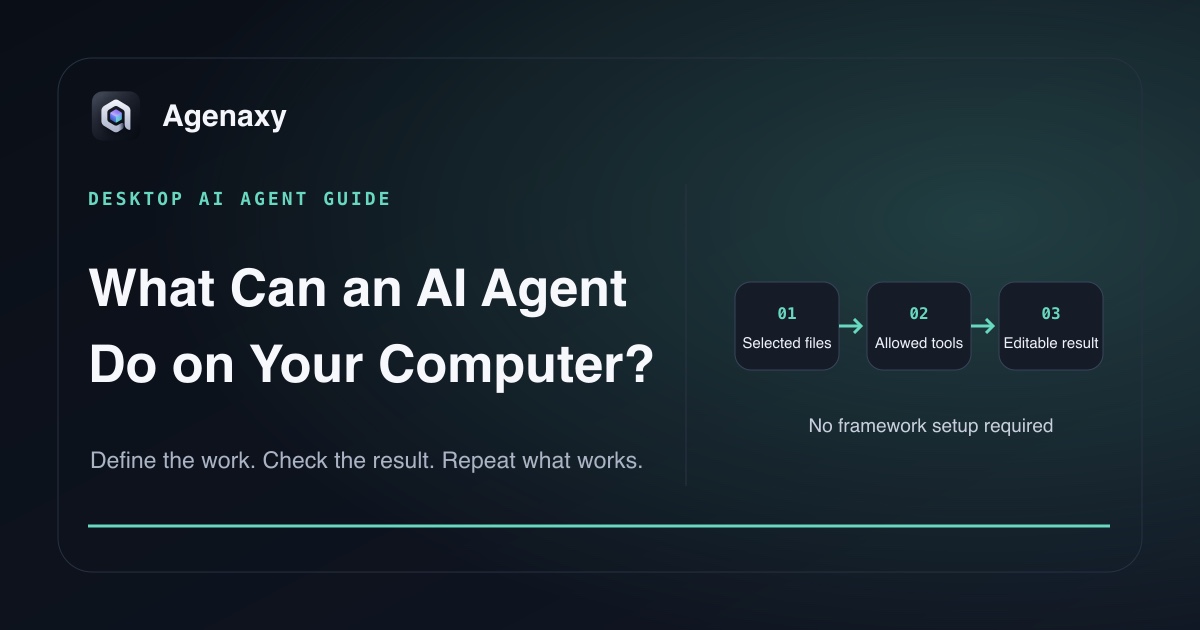
Quick answer: A desktop AI agent can inspect files you select, decide which allowed tool to use, carry out multiple steps, and create a result you can review. What it can actually do depends on the product, the model, the tools enabled, and the files or folders you permit. “Agent” does not mean unlimited access to your computer.
The most useful way to understand an agent is not as a person living inside your Mac. Think of it as a worker at a prepared desk: it has an assignment, a set of source materials, a limited tool drawer, and a place to put the finished work.
Six useful kinds of desktop agent work
| Job | Inputs you select | Useful output | Human check |
|---|---|---|---|
| Read and extract | Contracts, invoices, notes | Table of fields, clauses, or actions | Compare samples with sources |
| Compare | Two document versions or folders | Change list with references | Confirm important differences |
| Organize | A project folder | Proposed names, groups, or index | Approve before changing originals |
| Analyze | CSV files, exports, reports | Calculations, exceptions, charts | Reconcile totals and formulas |
| Draft | Research, notes, templates | Memo, report, brief, or spreadsheet | Edit language and verify claims |
| Repeat a workflow | New files plus saved instructions | The same output shape each run | Review exceptions and sign off |
These jobs are more than a single chat answer. The agent may need to open several sources, choose a sequence, run a tool, inspect an intermediate result, correct it, and save a final artifact.
It can read selected files
A file-capable agent can inspect documents you deliberately place in its working scope. For example, it can:
- collect action items from meeting notes;
- find renewal dates across contracts;
- extract invoice numbers and totals;
- locate every mention of a product name in a research folder;
- build an index of filenames and topics.
The important word is selected. Some products ask you to upload files. Some work in a chosen folder. Some request broader operating-system access. Those are different access models.
On macOS, App Sandbox limits an app's access outside its own container. With the appropriate entitlement and a standard file picker, macOS can extend that access to files or folders the user selects. That operating-system mechanism is separate from the AI model itself. Always check what the app can read, not just where the model runs.
It can transform information into an editable artifact
An agent becomes more useful when the result is a real file rather than prose trapped in chat.
From the same source folder, an agent might create:
- an action register in Markdown;
- a comparison table in a spreadsheet;
- a source-linked research brief;
- a cleaned CSV with rejected rows listed separately;
- a draft report that follows an existing template;
- a checklist of unresolved questions.
Editable artifacts let you inspect, revise, share, archive, or reject the work using normal tools. Ask for a named output and format before the run. “Review these files” is vague; “create policy-differences.md with change, old text, new text, source section, and risk note” is testable.
It can use tools and scripts—if they are available
The model does not directly possess a spreadsheet editor, shell, browser, or file system. The agent product exposes tools to it. A tool may read a file, calculate a total, search selected content, render a chart, or write an output.
Anthropic describes agents as systems where a language model dynamically directs its own process and tool use. That does not mean every agent has every tool. One product may support document parsing but not email. Another may browse the web but not write local files.
Before choosing a task, ask:
- Which tools can this product use?
- Which of those tools are enabled for this run?
- Can I see which tools were called?
- Can a tool change or delete an original?
- Can a tool send data or take an external action?
It can follow a repeatable work order
Once one run works, the instruction can become a reusable work order. Next week's files enter the same bounded task and produce the same output shape.
For example:
Read the selected weekly support exports.
Create issue-brief.md with:
- top recurring issues;
- affected product area;
- count and source rows;
- three representative quotes;
- an Unclear section for missing context.

Do not contact customers or change the exports.
Stop and ask if two exports use incompatible column names.
The agent still needs review. Repetition makes the process easier to compare; it does not make every future input identical.
It cannot do whatever it wants—or whatever you imagine
An agent cannot use a capability the product has not provided. It also should not be treated as able to:
- see files it has not been given permission to read;
- understand missing business context automatically;
- guarantee that every extraction or calculation is correct;
- make high-stakes decisions that nobody reviews;
- keep data local while using a remote model that receives the task context;
- send, publish, purchase, approve, or delete unless an enabled tool permits that action.
The last point is why “Can the agent do this?” is incomplete. Ask two questions: Can the product perform the action? and Should this run be allowed to perform it?
A concrete example: compare two policies
Suppose you select policy-2025.pdf and policy-2026.pdf. A bounded agent task can:
- read both files;
- align their sections;
- identify additions, removals, and changed wording;
- create a table with old text, new text, section references, and a short impact note;
- list sections it could not match confidently;
- leave both source files unchanged.
You then check the changes that matter. The agent accelerates the comparison; it does not become the policy owner.
Choose the minimum useful access
For a first desktop task, use the smallest scope that can produce the result:
- one copied folder instead of the whole drive;
- read selected sources and create a new file instead of editing originals;
- draft an email instead of sending it;
- propose filenames instead of renaming everything;
- flag uncertain rows instead of guessing;
- stop for approval before an external action.
NIST's AI Risk Management Framework calls for clearly defined scope and human oversight. In everyday work, minimum useful access is a practical way to make both visible.
Where model location fits
A desktop app and a local model are not the same thing. A desktop agent may call a cloud model. A browser app may call a model on your network. A local model keeps model inference on the machine, while other tools and services can still create separate data paths.
Evaluate four layers:
- Workspace: Where are files, memory, and artifacts stored?
- Model: Where does inference happen, and what context is sent?
- Tools: Which tools can read, write, or connect to a network?
- Controls: What can you authorize, inspect, block, or approve?
Where Agenaxy fits
Agenaxy is a local-first AI agent workbench for file-based work. You choose the source files, inspect Activity as the work runs, and receive editable Artifacts while originals remain untouched.
Standard can use a selected local or cloud model. A cloud model receives the task context sent to it. In Vault, each model Connection must be explicitly authorized. An authorized remote server still receives the context sent to it, while outbound-data tools remain unavailable and agent-run scripts are blocked from network access.
Start with the no-code getting-started guide or review what an AI agent is made of.
Try one desktop task
Describe one non-confidential file-to-artifact task in Download Agenaxy: the selected inputs, the output file, and the check you will perform. Do not submit files, credentials, customer records, or production data through the form.
FAQ
Can an AI agent control my whole computer?
Not automatically. Its access depends on the app, operating-system permissions, enabled tools, and the scope you grant. Avoid products or tasks that require broader access than the result needs.
Can an AI agent organize files for me?
It can propose groups, names, and an index when the product provides file tools. Review a proposed plan before allowing bulk renames or moves, and keep a recoverable copy.
Can an AI agent work offline?
Only if every required part works offline: the app, model, tools, and supporting services. A desktop interface alone does not prove offline operation.
Is an AI agent better than a chatbot for documents?
Use chat for a quick answer about a small input. An agent is more useful when it must inspect multiple sources, use tools, create an editable artifact, and leave an activity record you can review.
Sources and Fact-Checking Notes
- Anthropic — Building effective agents distinguishes model-directed agents from predefined workflows and describes tool use as part of the agent loop.
- Apple — Accessing files from the macOS App Sandbox documents full access to an app's own container and OS-mediated access to user-selected files outside it.
- NIST AI RMF Core includes defined scope and human oversight among risk-management outcomes.
- Agenaxy product statements are checked against the current local-first, Standard, and Vault canon.